Editing Efficiently in Adobe Premiere Pro
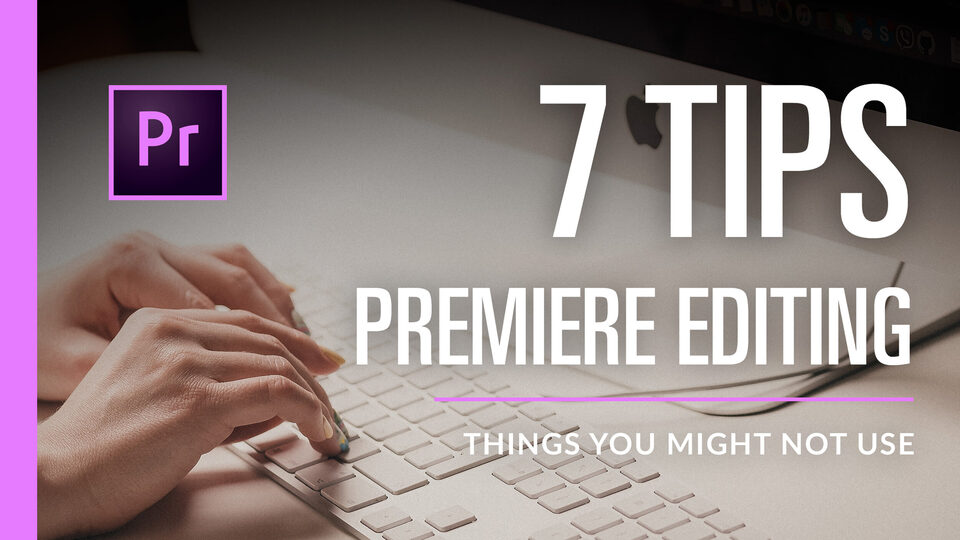
7 simple editing tips in Adobe Premiere Pro CC 2017 that you might not use today but probably should. They're quite basic but incredibly useful.
Worth watching for beginners or pros.
What’s in the Video?
- Vertical zoom in the timeline
- Keyframes in the timeline
- Trimming in and out points
- Shifting clips without gaps
- Copying clips
- J and L cuts
- Ripple edit tool
I hope you find these useful. Lots of you may already know some or all of them but if you're just starting out with Premiere, these are really essential tricks to speed things up.
Thanks for watching and please subscribe if you like the vids!
I also have other content on my channel relating to Premiere Pro and other NLE software such as Davinci Resolve. Please comment if you have any suggestions on a topic to cover.