Product Introduction
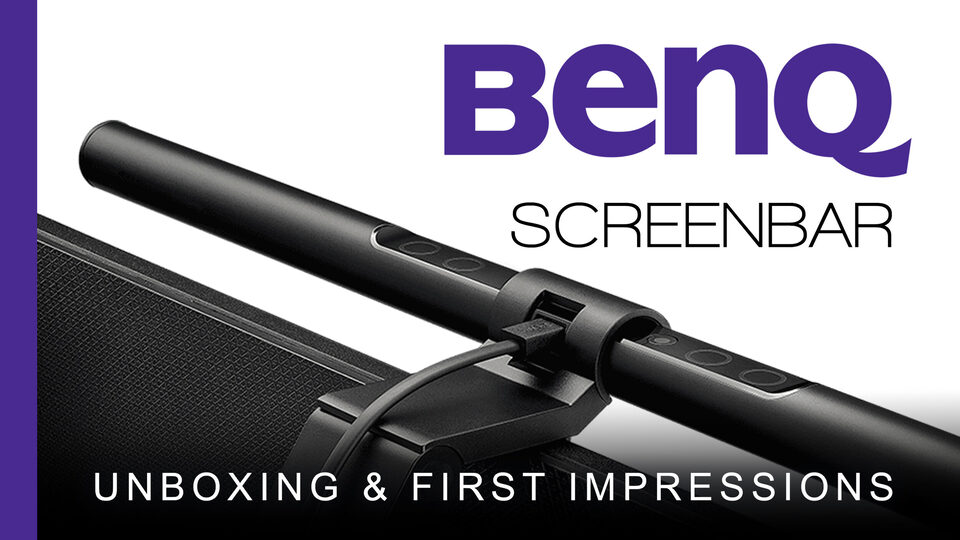
The BenQ ScreenBar is a simple and straightforward product. It's an LED desk lamp that sits above your monitor (mounted similar to a webcam). It directs light directly downward and out onto your work surface but the key point is the sharp cutoff of the light. This allows it to theoretically light your desktop with 500 lux of light (a recommended amount to reduce eye strain) but remove any glare from your monitor.
How well it works will be covered in a future full review video.
► VISIT: https://amzn.to/2B9RVVl
What’s In The Video?
In this first video, I look at the following.
- Introduction to the BenQ Screenbar
- Unboxing
- Power up and demo
- Real life setup and first impressions
NOTE: This product was provided free of charge for review but all opinions are entirely my own.
Screenbar Specs
- Light source - Dual color LED
- Color Rendering Index - 2700K:Ra 82; 6500K: Ra 87
- Illuminance - 1000 lux in the center (height 45cm)
- Luminous Flux - 2700K : 300lm ; 6500K : 320lm
- Color Temperature - 2700~6500K
- Power Input - 5V , 1A USB port
- Power Consumption - 5W (max.)
- Materials - Aluminium alloy, PC / ABS
- Dimension - 45cm x 9.0cm x 9.2cm
- Net Weight - 0.53kg